
Spreadsheets vs Inventory Management Software
Keeping track of your inventory is essential for a business of any size, and deciding on the best method isn’t always easy. While there are a few different options for managing inventory, two of the most popular are spreadsheets and Inventory Management Software (IMS).
Spreadsheets can work for very small businesses, but most teams outgrow them quickly. An inventory management system offers far more accuracy, speed, and control. We’ve laid out everything you need to know when deciding on the best inventory management method.

Table of Contents
- Can spreadsheets do inventory management?
- What’s the difference between spreadsheets and inventory management software?
- Disadvantages of spreadsheets inventory management software
- Advantages of spreadsheet inventory management
- How can AI be used in inventory management?
- Which software is commonly used for inventory management?
- Which software is best for inventory management?
- Frequently asked questions
Can Spreadsheets Do Inventory Management?

The simple answer is, yes. While spreadsheets can keep track of inventory, as your business grows, the cons outweigh the pros.
Spreadsheets can work well for startups or businesses with a small number of SKUs that need a low-cost way to track stock. Spreadsheet-based inventory management lacks automation or real-time tracking compared to an IMS.
What is the easiest way to keep track of inventory?
The easiest way to keep track of inventory is with a cloud-based inventory management software. An IMS system uses automation and real-time data to track your products in all stages of the production line and after it's been sold, giving you a complete overview of your inventory.
What’s the Difference Between Spreadsheets and Inventory Management Software?
Manual vs Automation
Spreadsheets require manual updates for every change – such as location, expiry date or quantity. Manual tasks come with error risks. According to Kybos, “24% of large businesses had suffered financial losses due to spreadsheet errors”.
Inventory management software automates your previously manual tasks. With barcode scanning and RFID tags, locations and quantities are automatically updated, giving you real-time visibility of your inventory across multiple warehouses.
Real-Time Reporting
Real-time updates allow for real-time reporting. With inventory management software, your reports will update in real-time, reflecting your inventory and sales patterns across all locations. Up-to-date reports allow you to make decisions backed by data, giving you full confidence in your recommendations.
Spreadsheet inventory management doesn’t allow for real-time reporting. While information can be pulled from other sheets in a doc, any updates need to be added manually. Because of the error rates in manual data entry, businesses may not have the same confidence in decisions.
Future Planning
Businesses rely on future planning. Future planning is based on previous sales data and current trends. Inventory management software, such as Unleashed, allows for historical sales data to be uploaded as well as trends to be monitored for accurate demand forecasting.
While future planning is possible with spreadsheet inventory management, it can be time-consuming. All points – such as historical sales data, reorder points, safety stock calculations, etc – need to be updated for each product for accurate forecasting due to no real-time update.
Disadvantages of Spreadsheets Inventory Management Software

Spreadsheet-based inventory management may seem convenient at first, but as your business grows, the limitations quickly become apparent. These are 10 major disadvantages of relying on spreadsheets.
1. Manual data entry creates inaccuracy
Spreadsheet-driven inventory relies heavily on manual input, increasing the likelihood of errors – including duplicated entries, incorrect figures or missed updates. 94% of business spreadsheets contain serious errors. Even the most careful users are vulnerable to making mistakes when every change must be typed in by hand. As data volumes grow, so do the risks – making spreadsheets unreliable for maintaining precise stock levels.
2. Spreadsheets don’t scale with business growth
As product ranges expand, warehouses multiply, and transactions accelerate, spreadsheets begin to buckle. Large files become difficult to navigate, formulas break, and version control becomes chaotic. What works for a small catalogue quickly becomes impossible for a business that needs real-time, multi-location visibility.
3. Tracking inventory spreadsheets wastes time
Managing stock in spreadsheets forces the team into repetitive, manual tasks: copying data between tabs, reconciling inconsistencies, and updating figures across multiple documents. This slows down operations and diverts time away from value-driving work. Over time, these inefficiencies compound into real, measurable costs.
4. Lack of real-time visibility
Spreadsheets only reflect the last manual update, which means stock levels can become outdated within minutes. This lag creates blind spots in purchasing, sales and warehouse operations. Without real-time insight, teams are forced to make decisions based on incomplete or inaccurate information, increasing the risk of stockouts or overstocks.
5. No automation to support key processes
Spreadsheets offer no automated checks, workflow triggers, or system-driven alerts. Every restock calculation, reorder point, and usage update must be performed manually. This leaves businesses without the safety nets and efficiencies built into modern inventory management systems – from automated replenishment to instant reporting.
6. Poor integration with other business systems
Because spreadsheets exist in isolation, inventory data becomes disconnected from sales channels, accounting systems and warehouse tools. This creates information silos and forces teams to manually transfer figures between systems, increasing friction and inconsistency across the business.
7. High risk in reporting and forecasting
Spreadsheets struggle to provide reliable reporting, especially when data is manually compiled. Outdated information, broken formulas, or mismatched versions can skew results and lead to poor business decisions. Inventory forecasting becomes particularly fragile when it depends on files that aren’t built for dynamic analysis.
8. Not suitable for multi-location or complex inventory
Managing stock across multiple sites or warehouses quickly becomes unmanageable in spreadsheets. Without real-time synchronisation, teams lose visibility of how much inventory is available and where it’s located. This creates delays, stock imbalances, and confusion between locations.
9. Offline files increase operational risk
Because spreadsheets are typically stored offline or on local devices, they’re vulnerable to loss, corruption, or accidental overwriting. Even cloud-hosted files – such as Google Drive or Microsoft OneDrive – suffer from version conflicts and access issues. These vulnerabilities make spreadsheets unreliable for mission-critical inventory data.
10. Falling behind competitors using modern tools
Businesses that continue to rely on spreadsheets risk slower operations, reduced accuracy, and higher administrative overhead. Competitors using dedicated inventory software benefit from automation, real-time visibility, and integrated systems that ultimately give them a significant performance advantage.
Advantages of Spreadsheet Inventory Management
Cost-Effectiveness
Spreadsheet inventory management is the cost of a spreadsheet application. If your business uses Microsoft Office, there’s no additional cost.
User-Friendly
Spreadsheets are fully customisable and do not require training to be used. Spreadsheets can be tailored exactly to a business's needs to track SKUs, expiry dates and locations.
No Internet Required
Excel Spreadsheets do not require internet access to be created or edited. For extra protection, spreadsheets can be backed up to a cloud server requiring internet access.
How Can AI Be Used in Inventory Management?
Artificial Intelligence (AI) adds automation to your manual tasks, saving you time and effort. Access Evo in Unleashed give you two powerful tools, Copilot and Feed, to make your day easier.
Copilot in Unleashed
From finding information easily and quickly to generating campaign ideas, Copilot is your AI companion designed to do it all.
AI can also help manage stock levels. By using a single prompt, Copilot will find the data you’re looking for, including purchase histories and products frequently brought together.
Unleashed Feed
Stay up to date with Feed. Ensuring you’re focused on important inventory jobs, Feed spots critical tasks and keeping you one step ahead. From low stock notifications to orders waiting to be dispatched, you’ll constantly be kept up to date.
It’s not magic. It’s evo.
Which Software is Commonly Used for Inventory Management?
With hundreds of inventory management software options, finding the right one to fit your business isn’t simple. To help you, we investigated three IMS options – Sortly, Zoho Inventory & Unleashed – all with different levels of tools.
Sortly
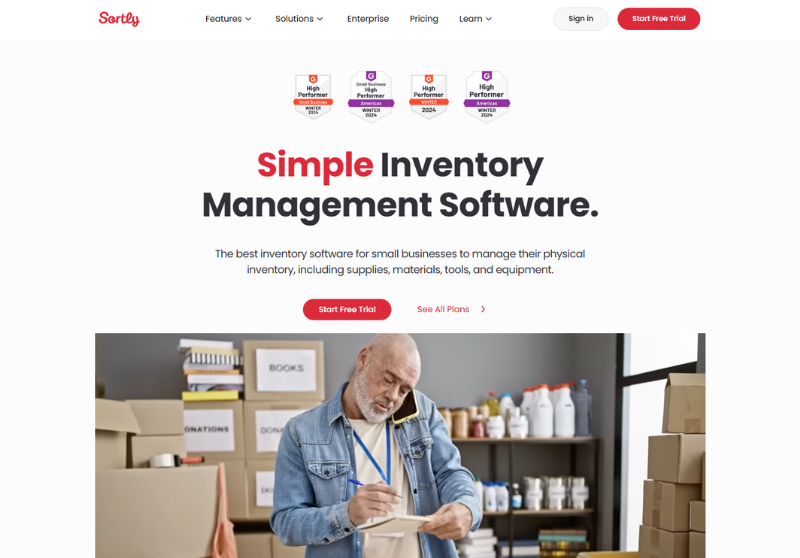
- Trustpilot score: 2.0/5
- Prices: $0 (Free) | $24pm (Advanced) | $74pm (Ultra) | $149pm (Premium) | Custom quote for Enterprise
- Free trial: 14-day free trial
Sortly is inventory management, simplified. Sortly is designed to manage all aspects of physical inventory from organisation to reporting. Their IMS can be synchronised across all teams and devices, ensuring you're constantly up to date in real time, anywhere.
Limitations of Sortly
Users have complained about steep price increases in the last year for existing customers, with a difficult cancellation policy.
This limitation is based on 2025 Trustpilot reviews and may not reflect the current software.
Zoho Inventory
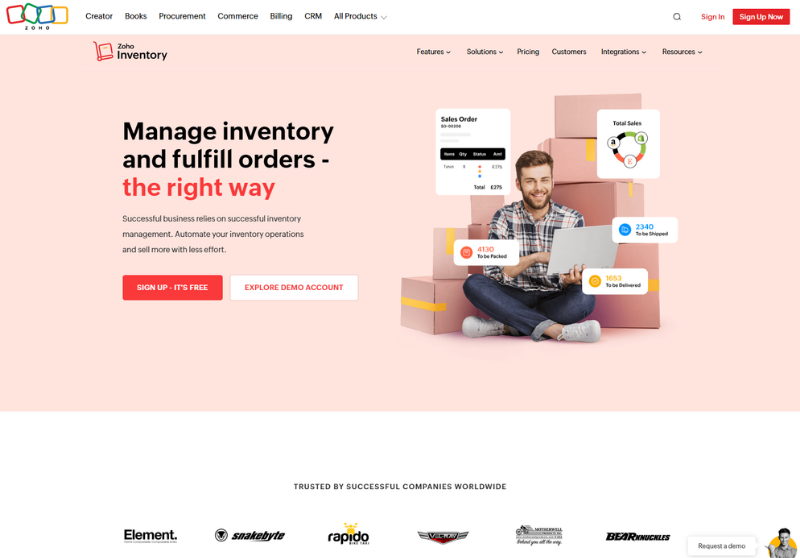
- Trustpilot score: 4.0/5
- Prices: £25pm (Standard) | £65pm (Professional) | £105pm (Premium) | £199pm (Enterprise)
- Free trial: 14-day free trial
Zoho Inventory is part of the Zoho family, designed to transform your inventory management practices.
Features of Zoho include everything from purchasing to automation, giving you complete control of your warehouse. Zoho CRM and help desk are also built to ensure you have everything on hand to manage your inventory smoothly.
Limitations of Zoho Inventory
Zoho Inventory has multiple pricing packages, making it difficult to know which version is best for your business.
Unleashed
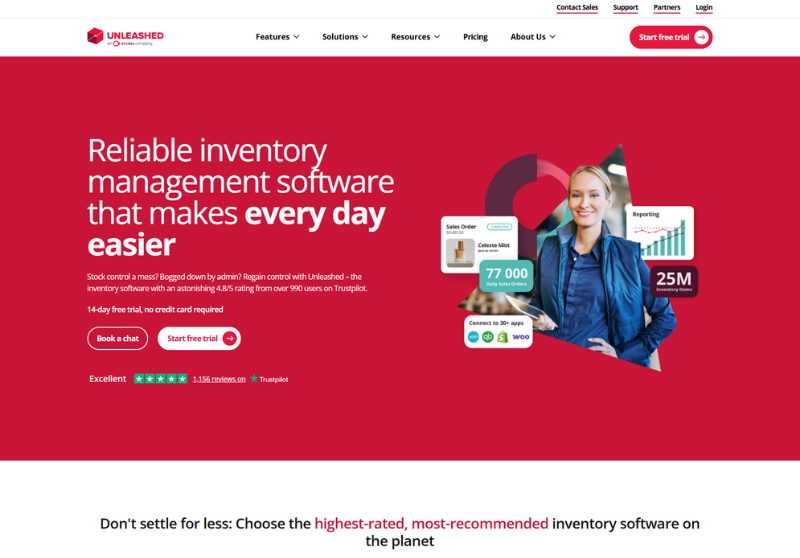
- Trustpilot score: 4.8/5
- Prices: £269pm (Core) | £499pm (Pro)
- Free trial: 14-day free trial
Unleashed helps product businesses improve accuracy, automate manual work, and make better-informed decisions. Knowing two businesses aren’t the same, Pro and Core ensure you have all the features your business needs and allow you to expand with additional modules so you can build the right inventory management software for your business.
Unleashed inventory management software works on a FIFO (First In, First Out) or LIFO (Last In, First Out) method, keeping every delivery fresh and product in high quality.
Limitations of Unleashed
Unleashed can take time for new users to master advanced features. The IMS requires a stable internet connection to run smoothly.
Which Software Is Best for Inventory Management?
Unleashed inventory management software can grow with your business. With real-time updates, reporting and demand forecasting, Unleashed has everything your business needs to manage your inventory with confidence.
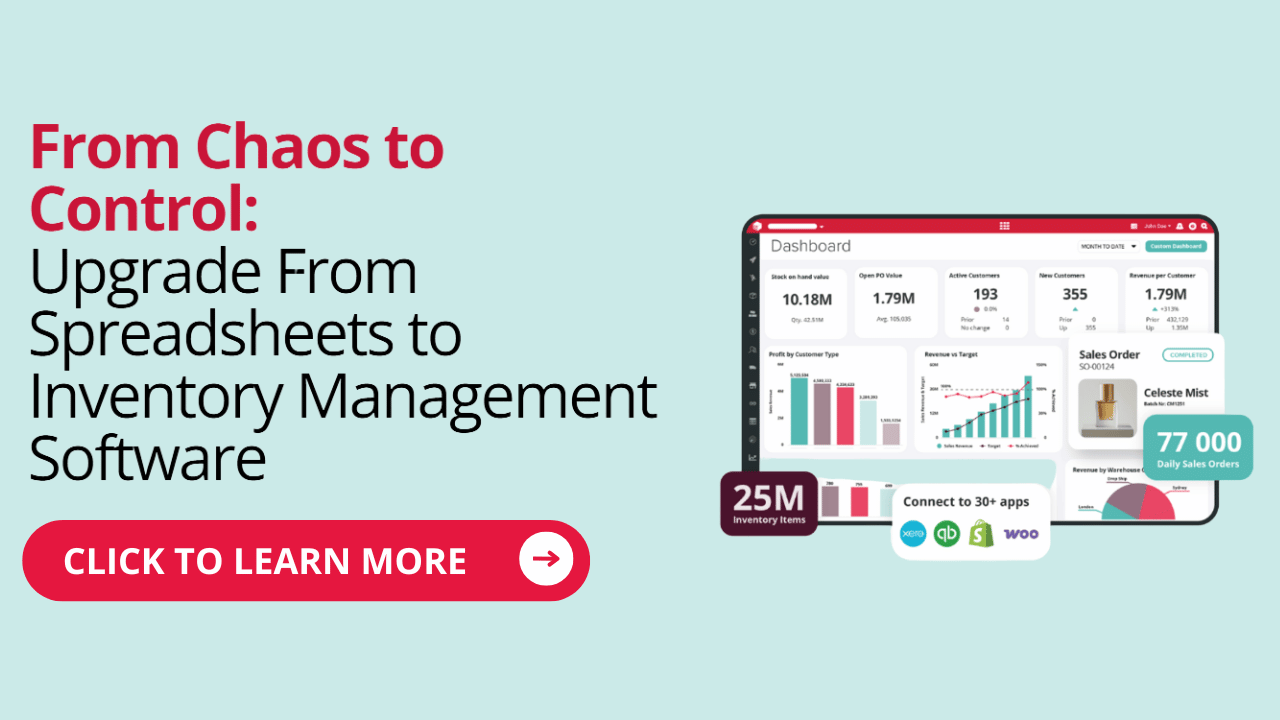
Looking to move from spreadsheets to inventory management software? We’ve put together a practical guide to moving to an IMS.
Why Valentte switched from spreadsheets to an IMS
Valentte, an organic skincare and fragrance business based in Cheshire, have been growing rapidly over the last 10+ years.
When selling their products at Greenwich market, the team were manging their inventory through spreadsheets. However, as the business grew, they lost control of their stock holding, manufacturing process and production – leading them to Unleashed.
Now with Unleashed and Mintsoft, they’ve seen 50% times increase in sales.
“We’re growing at 100% a year, and that growth has been entirely underpinned by the performance and our interaction with Unleashed and Mintsoft. They’re critical to our business.” – Luke Bream, CEO

Frequently Asked Questions
What is an inventory spreadsheet?
An inventory spreadsheet is a manually updated document, often built in Excel or Google Sheets, that tracks products, quantities, stock movement, expiry dates and locations using user-defined columns and formulas. It is typically best for startups or businesses with very small inventories.
How to make a simple inventory system?
- Create a new Excel spreadsheet.
- Define columns for key data such as item name, SKU, stock level, reorder point, cost, supplier, and expiry date.
- Enter your inventory data manually.
- Add formulas for totals, reorder alerts, or valuation if needed.
Does Microsoft Office have an inventory management system?
No, Microsoft Office doesn't have a dedicated inventory management system. However, Excel can be used to create simple inventory systems manually.


The Edge - March 2026

10 Wholesale Distribution Industry Trends for 2026

10 Inventory Management Trends to Watch for in 2026

MOQ Meaning: Minimum Order Quantity Made Easy [With Formulas]

OEM vs ODM explained – what’s best for manufacturers?

Centralised vs. Decentralised Supply Chains — The Pros and Cons

10 Critical Supply Chain Management & Logistics Trends for 2026

Batch Production: Definition, Pros & Cons, Methods & Examples

Bullwhip Effect in the Supply Chain: Examples, Causes, Solutions

Cin7 Reviews: Features, Strengths & Criticisms