
Best Accounting and Inventory Software
The market is flooded with accounting and inventory software. Picking one can feel daunting because it requires a ton of research.
We’ve tried to narrow things down for you by reviewing the top accounting and inventory solutions available on the market. In this guide, we dive into each solution’s pros, cons, pricing, and other relevant details to help you find a tool that best suits your needs.


Why Invest in Accounting and Inventory Software?
Accounting and inventory systems have a price tag, but if you choose the right system, the decision is usually ROI-positive.
Here’s why: Accounting and inventory software helps prevent stockouts, automates financial reporting tasks, speeds up the financial close process, and offers real-time visibility into inventory.
Think of a Shopify store. The store sells 100s of SKUs every day. How do they record sales, returns, and discounts?
They can either record transactions manually on a spreadsheet, but since we don’t live in the 80s, they’re more likely to use software. That software is called accounting and inventory software.
When the store sells a product, the integrated accounting and inventory system receives this information from Shopify. It records the sale, adjusts the inventory level, and applies any discount offered. It automates the whole process so you can focus on running your business.
Accounting and inventory management challenges
Account and inventory software solves various challenges, such as:
- Manual errors: Spreadsheet entries or manual reconciliations are prone to errors. Software automates most parts of the process, eliminating room for error.
- Poor visibility: Lack of visibility into inventory and cash levels can lead to stockouts and a cash crunch. Software ensures you have real-time data about both, which helps you make informed financial decisions.
- Complex compliance: Managing taxes, audits, and multi-currency transactions can quickly turn into a chaotic mess. Software ensures all figures are accurately reported by automating the recording process and using built-in accuracy controls.
- Cash flow management: Delayed reconciliation hides how much working capital you’ve tied up in inventory. This translates to lower returns on investment for your business and shareholders and, in the worst cases, leaves you cash-strapped.
- Forecasting gaps: Without accurate data, you can’t accurately forecast demand. Your purchasing decisions essentially go by gut feeling. Software gives you a baseline for your forecasts and context on which to build your forecast.
What to look for in an accounting and inventory management software
Here are the features you should look for:
- Real-time inventory tracking
- Integrated accounting
- Multi-channel sales integration
- Automated invoicing and billing
- Reporting and analytics
- Tax compliance tools
- COGS calculation
- Barcode and SKU management
- Third-party integrations
- User roles and permissions
Real-time inventory tracking
You need to know exactly what’s in stock at all times to avoid stockout risks and loss of revenue and reputation. Real-time inventory tracking auto-updates inventory every time you make a sale or receive a return, so you always know how much of an SKU you have in inventory.
Integrated accounting
Every sale, purchase, or return should flow directly into your books. This keeps your financial statements tax-ready at all times and allows your bookkeeper to work on more strategic tasks than passing journal entries.
Multi-channel sales integration
Your software should be able to capture sales across channels, including online stores, retail outlets, and wholesale. It should also consolidate data into one dashboard so you don’t have to juggle accounting data rolling in from multiple sources.
Automated invoicing and billing
The accounting and inventory software should have a built-in invoicing tool that generates an invoice the instant a sale happens. At the same time, it should sync payments automatically. This improves cash flow visibility and eliminates reconciliation effort.
Reporting and analytics
Account and inventory software is a goldmine of data, but the data is only useful if the software can create insightful reports. Top software solutions offer dashboards that highlight top-selling products, slow-moving items, cash flow trends, and more.
Tax compliance tools
Look for software with built-in tax tracking so you don’t have to deal with chaotic tax calculations at year-end.
COGS calculation
You need an accurate cost of goods sold (COGS) amount that factors in purchase costs, shipping, and taxes. Without this, you can’t calculate an accurate profit margin. This means you might miss margin shrinkage and ballooning costs and fail to adjust prices when you need to.
Barcode and SKU management
You need both of these to speed up stock intake and order picking. It also minimizes errors because your warehouse team can scan items instead of manually typing codes.
Third-party integrations
Integrations facilitate data exchange between two systems. If you want your accounting and inventory software to be able to pull data from your Shopify account or populate CRM with sales data, you’ll need integrations.
User roles and permissions
Role-based access and permissions let you restrict who can view or edit financial and inventory data based on their job profile. For example, your warehouse staff needs access to stock counts but not the financials. Role-based access lets you tailor permissions so they can only view information necessary for their job.
Top 10 Accounting and Inventory Management Software
Let’s look at the top 10 accounting and inventory management software in the market and their strengths and weaknesses.
Unleashed
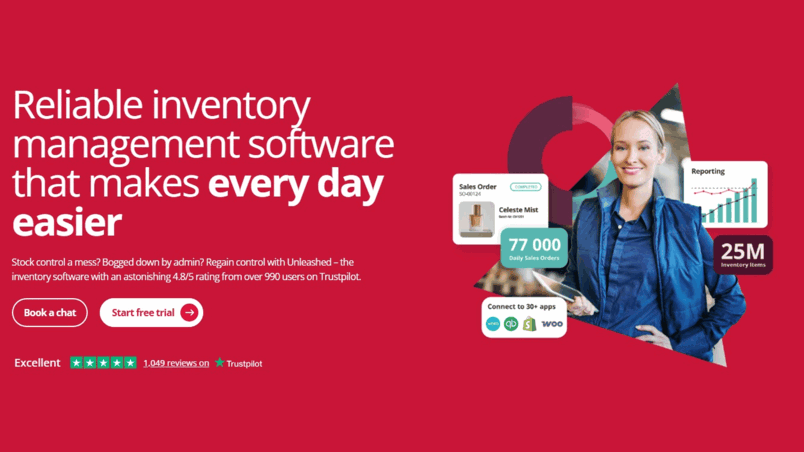
Unleashed is a cloud-based inventory management system that offers inventory accounting workflows, such as three-way purchase order (PO), invoice matching, supplier returns being reconciled, and more. It also integrates with accounting software platforms like Xero, QuickBooks Online, and Access Financials.
Pros
- Strong multi-warehouse/multi-location support so that you can track stock across multiple sites
- Excellent demand planning and forecasting tools that help you avoid overstock and stockouts
- Lots of integrations with accounting systems like Xero and QuickBooks, and eCommerce platforms like Shopify and Amazon
- Optional modules that allow scaling or adding features as needed (such as Business Intelligence and Advanced Inventory Manager)
Cons
- Some advanced features (like Customer Pricing) are only available in higher-tier plans
- Optional modules cost extra
Pricing
- Core: $399/month (10% off when billed annually)
- Pro: $729/month (10% off when billed annually)
Accounting benefits
- Integrations with accounting platforms like Xero, QuickBooks, and Access Financials, so inventory changes automatically reflect in your accounting ledgers
- Weighted average cost tracking for accurate COGS recording
- Detailed reports and analytics via modules like Business Intelligence
- Batch and serial number traceability, which is helpful for cost tracking, compliance, and auditing
Zoho Books
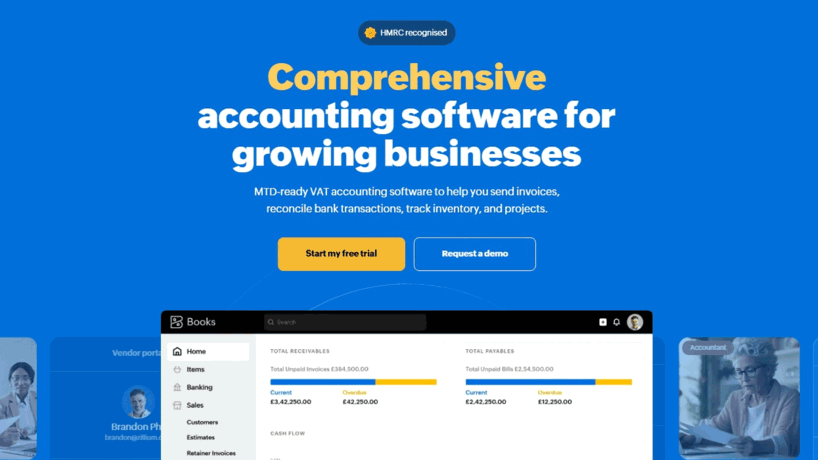
Zoho Books is a cloud-based accounting platform. It offers a full suite of tools, including inventory, purchase and sales orders, invoicing, expense tracking, and reporting.
Pros
- Comprehensive feature set that includes invoices, quotes, bills, POs, inventory, reporting, and more
- Multi-currency support and real-time exchange rates
- Automation options
- Mobile and desktop apps allow managing accounts on the go
Cons
- Complete inventory management and other advanced features are only available on more expensive plans
- Higher-end tiers can be expensive for small businesses
Pricing
- Free
- Standard: $15/org/month (billed annually)
- Professional: $40/org/month (billed annually)
- Premium: $60/org/month (billed annually)
- Elite: $120/org/month (billed annually)
- Ultimate: $240/org/month (billed annually)
Accounting benefits
- Automated bank reconciliation
- Detailed financial reporting and customizable reports
- Automatic currency conversion with multi-currency transactions support
Sage 50
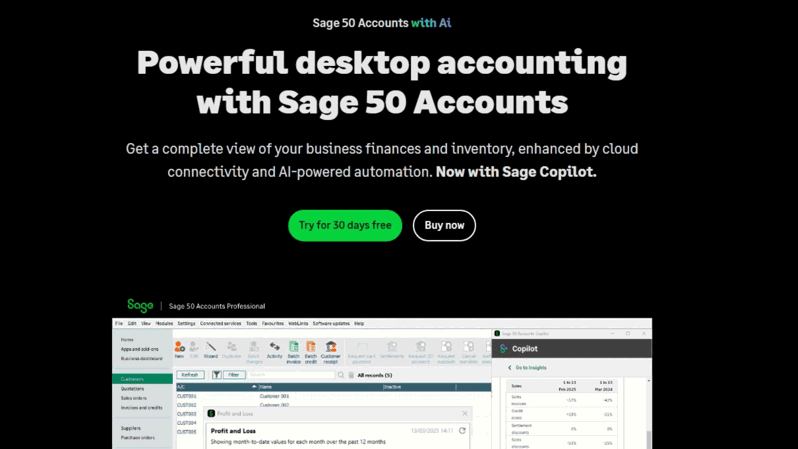
Sage 50 is a desktop accounting software with cloud-connected capabilities. It’s designed for small businesses and offers various useful inventory and accounting features.
Pros
- Combines desktop accounting capabilities with cloud access
- Offers inventory management features like tracking stock on hand and on order, purchase order management, and serial tracking in higher tiers
- Detailed financial reporting, job costing, budgeting, and advanced reporting in higher tiers
Cons
- Fundamentally a desktop software, so cloud access comes via hosted or connected services
- Cost for multiple-user setups is high compared to simpler cloud-only tools
Pricing
- Pro Accounting: $668/year (for 1 user, billed annually)
- Premium Accounting: $1,147/year (for 1 year, billed annually)
- Quantum Accounting: $1,994/year (for 1 year, billed annually)
- Hosted: Custom pricing
Accounting benefits
- Automated bank reconciliation helps match invoices, bills, and payments automatically to bank statements
- Inventory management is tied to accounting, so you track stock, serialized inventory, and COGS
- Monitor revenue vs expenses by job, phase, or cost code with Sage’s job costing and project tracking features
Xero
Xero is a cloud-based accounting software for small businesses with inventory management, sole traders, and accountants/bookkeepers. It offers tools for inventory management, bank reconciliation, payroll, expense tracking, and more.
Pros
- Real-time cash flow visibility via dashboards shows outstanding invoices, bills, bank balances, etc.
- Built-in inventory management tools to track stock levels
- Multi-currency support
- Strong app ecosystem
Cons
- There are limits on certain items in lower tiers (invoice limits, number of bills, etc.), which can hamper growth unless you move to a more expensive plan
- Additional cost for add-ons or upgrades is required if you want more features
Pricing
- Early: $20/month
- Growing: $47/month
- Established: $80/month
Accounting benefits
- Transaction flows from bank matched to ledger entries with less manual work, thanks to automated bank feeds and bank reconciliation
- Supports multi-currency accounting, allowing you to pay and receive money in 160+ currencies
- Tax management features help compute sales tax and manage filings
QuickBooks
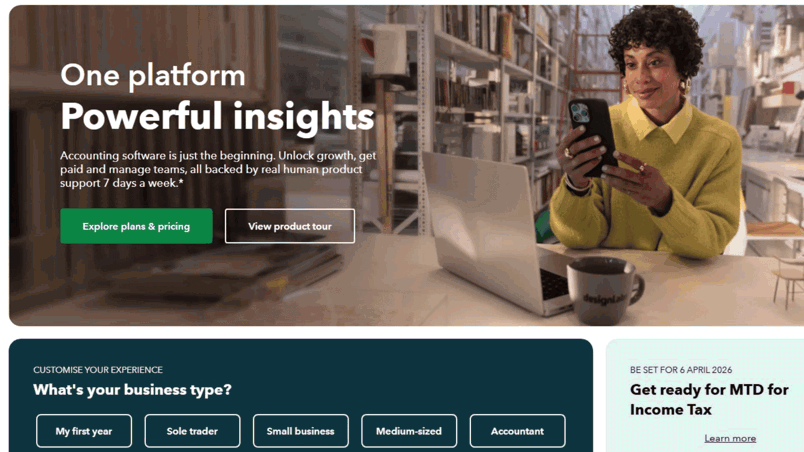
QuickBooks is an online account platform. It includes tools for invoicing, expense tracking, payroll, inventory tracking, bank reconciliation, and more.
Pros
- Broad feature set, including invoice and estimate creation, expense tracking, and receipt capture
- Real-time access and collaboration, allowing users to access financial data and get up-to-date views of cash flow from a browser or mobile device
- Integration with mobile apps, including receipt capture, bank feeds, and easy access anywhere
- Inventory and project tracking that helps track product levels, cost of goods, budgets, and profitability by project
Cons
- Some features (like price-rules, advanced inventory, etc.) are limited to certain plans only
- Costs of advanced modules can add up quickly
Pricing
- Simple start: $19/month
- Essentials: $28/month
- Plus: $40/month
- Advanced: $76/month
Accounting benefits
- Automated bank feeds and reconciliations keep your financials in sync with actual bank transactions
- Expense and receipts can be captured via the mobile app
- Detailed reporting and dashboards help you track profile, cash flow, and inventory costs
Brightpearl
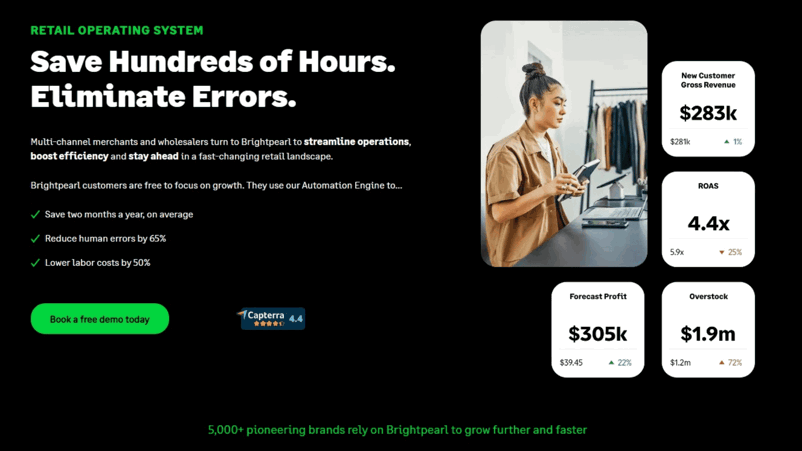
Brightpearl is a retail operation system built for multichannel ecommerce, wholesalers, and multichannel businesses. It combines inventory and order management, warehousing, shipping and fulfillment, and retail accounting in a single platform.
Pros
- Has an “Automation Engine” to automate order fulfillment, invoicing, and inventory replenishment
- Plug-and-play integrations to major ecommerce platforms, payment providers, and accounting systems like QuickBooks and Sage Intacct
- Unlimited users at no extra cost
- Offers real-time financial insights
Cons
- No published standard pricing
- Implementation may take 90+ days, which can be a long ramp-up for some businesses
Pricing
- Custom pricing
Accounting benefits
- Real-time financial insights into inventory, sales, POs, etc. feed automatically into financial reports
- Integrated landed costs so you get a more accurate picture of total inventory cost (purchase + extra costs) across all channels
- Automated workflows for invoicing, payment data, consolidation, and accounting
Katana
Katana is a cloud-based inventory and manufacturing software designed for product-based businesses.
Pros
- Offers real-time inventory tracking with end-to-end traceability across locations and sales channels
- Built-in supply chain and production planning features
- Offers warehouse tools like barcode scanning, bin locations, stocktakes, etc.
- Flexible pricing plans with the free tier
Cons
- FIFO and LIFO inventory costing not supported
- Onboarding cost is extra for Standard plan and above
Pricing
- Free
- Standard: $359/month (billed annually)
- Professional: $799/month (billed annually)
- Professional Plus: Custom pricing
Accounting benefits
- Uses moving average cost (MAC) for inventory valuation, which means income purchase costs are averaged in, and outgoing stock is valued using that average to compute COGS
- Integrates with accounting tools like QuickBooks Online and Xero
- Accurate costing of production and materials, including tracking purchase costs, manufacturing costs via BOM, etc., which ensures margins and product costs are visible
Cin7
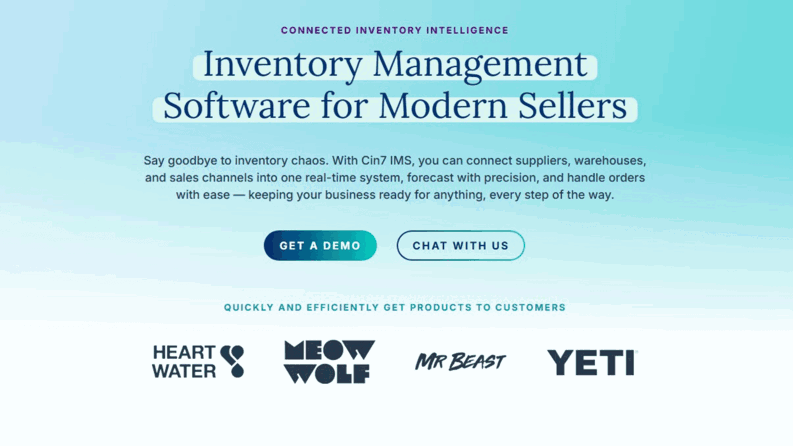
Cin7 is a cloud-based inventory management (or “connected inventory”) platform for multichannel businesses. It helps unify sales channels, orders, suppliers, warehouses, and inventory into one real-time system.
Pros
- Real-time visibility across all inventory, warehouses, and sales channels
- Excellent forecasting and planning tools (like ForesightAI) that help estimate demand and optimize order sizes
- Support for manufacturing workflows
- Strong onboarding and support infrastructure, as well as extensive training and academy resources
Cons
- High entry cost because pricing starts relatively high
- There’s a learning curve because more complex workflows and modules may require time and resources to adapt fully
Pricing
- Standard: $349/month
- Pro: $599/month
- Advanced: $999/month
- Omni: Custom pricing
Accounting benefits
- Integrates with accounting systems like Xero and QuickBooks, enabling sales, purchases, and inventory costs to flow into financials
- Offers reporting tools that include financial metrics related to profitability, inventory value, and costs
- Real-time inventory valuation across multiple locations and channels
Microsoft Dynamics 365 Business Central
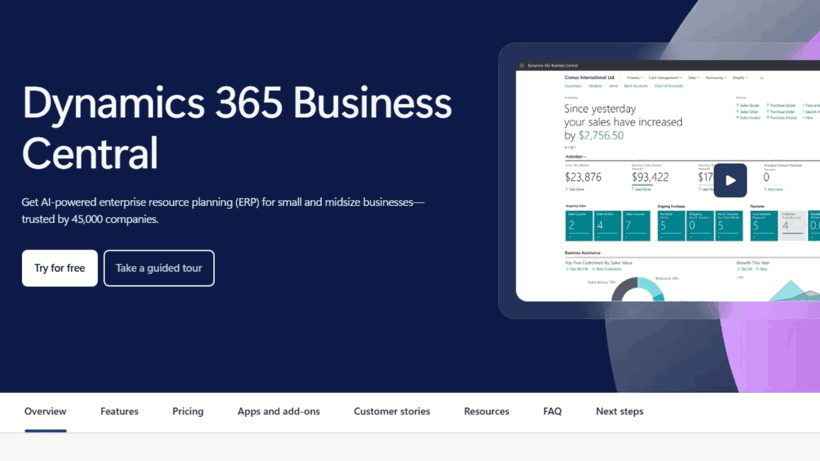
Business Central is an ERP solution for small- and mid-sized companies. It combines finance, sales, service, operations, and supply chain into a single platform.
Pros
- Deep integration with the Microsoft ecosystem (Microsoft 365, Power BI, etc.) makes data flow and reporting seamless
- Various licensing tiers to suit different usage patterns
- Includes Microsoft Copilot for Business Central, which offers AI-assisted workflows and insights
- Offers financial, inventory, purchasing, and operations features in a single platform
Cons
- Implementation and configuration can be complex
- The “team member” licenses have limited capabilities vs. full-user licenses, so users who need full transactional capabilities need higher-cost plans
Pricing
- Free
- Essentials: $70/user/month (billed annually, increasing to $80 effective November 1, 2025)
- Premium: $100/user/month (billed annually, increasing to $110 effective November 1, 2025)
- Team Members: $8/user/month (billed annually)
Accounting benefits
- Offers complete financial management capabilities
- Automates reconciliation of accounts and simplifies financial close processes
- Supports inventory valuation and supply chain planning
Acctivate
Acctivate is an inventory, order, and warehouse management solution. It’s built for small- to mid-sized product companies that need more control over inventory and traceability and have stock at multiple locations.
Pros
- Various advanced inventory features, including matrix inventory, landed cost, mobile inventory modules, and multiple location control
- Offers flexible pricing and discount tools like customer-specific pricing, price codes, ability to price by various units, and markups or cost-plus models
- Offers good options for order management, including order fulfilment, drop-ship, web store integrations, etc.
Cons
- Setting up can be time-consuming
- Financial capabilities are limited to what QuickBooks can handle, since it augments QuickBooks through integration rather than replacing it
Pricing
- Custom pricing
Accounting benefits
- Landed cost tracking helps properly account for all costs (shipping, duties, freight, etc.)
- Maintains and syncs chart of accounts, sales tax codes, vendor terms, customer types, etc. in QuickBooks
- Maintains consistency in journal numbering and mappings
Frequently Asked Questions
What is Accounting and Inventory Software?
Accounting and inventory software combines financial management with inventory control. It helps track purchases, sales, expenses, and payments while also monitoring inventory levels, orders, and fulfillment.
Can inventory software integrate with accounting?
Yes. Most modern inventory software integrates with accounting systems, especially ones that are cloud-based.
How to track inventory in accounting?
Tracking inventory in accounting requires recording purchases, sales, and adjustments in financial and inventory records. Most businesses use one of the three methods:
- Perpetual inventory systems: Stock is updated in real-time through software.
- Periodic inventory systems: Stock is updated at set intervals via physical counts.
- Integrated inventory accounting systems: Automatically record COGS, asset values, and adjustments in the general ledger whenever there’s a transaction.
What is the best accounting method for inventory?
The best inventory accounting method depends on your business model. Here are some methods you can consider:
- FIFO (First In, First Out): Ideal for perishable goods or fast-moving inventory.
- LIFO (Last In, Last Out): Useful in certain regions for tax advantages, but not allowed under IFRS.
- Weighted Average Cost: Simplifies calculations by spreading costs evenly.
What is the best way to manage inventory in accounting?
The best way to manage inventory in accounting is to use integrated software that automatically syncs stock movements with financial records. This ensures accurate COGS calculations, visibility into stock levels and cash flow, and easy reconciliation between inventory records and accounting books.
What inventory and accounting systems integrate with platforms like Shopify, QuickBooks, or Xero?
Unleashed integrates with most of the popular business platforms. Here’s a summary of systems that integrate with commonly used platforms:
- Shopify: Unleashed, Cin7, Katana
- QuickBooks: Unleashed, Acctivate, Zoho Books
- Xero: Unleashed, Cin7, Zoho Books
Ready to use Unleashed?
Try Unleashed Software 14 days for free to automate your accounting and inventory management operations.
What Unleashed customers say
The software has allowed us to operate at both those two different scales and was priced at a level that allowed us to scale in that way.

Unleashed allowed us to grow 35%, year-on-year, for the last six years.

We’re saving $30,000 to $40,000 a year using Unleashed's B2B eCommerce stores.

By using Unleashed we scaled from 30 customer accounts to over 100, almost overnight.

Unleashed makes our lives easier because it works across every aspect of our business. It’s a very efficient platform.

We saved ourselves two days a week of wasted time juggling countless Excel spreadsheets.

Related articles
Follow more articles to skyrocket your accounting and inventory management efforts with useful tips and know-how.

Small Business Profit Margins by Industry in the UK, Australia, and New Zealand

FIFO vs LIFO: Advantages & Disadvantages

What is FIFO? First In, First Out Method Explained

What is LIFO? How the Last In First Out Method Works + Example

Inventory Accounting Journal Entries

Economic Order Quantity Explained + Formulas

The Weighted Average Cost Method of Inventory Valuation

How to Calculate the Cost of Goods Sold Formula (With Examples)

PAR Levels in Inventory Management (with Formula & Examples)